Key finder vs AirTag: do you need Precision Finding?
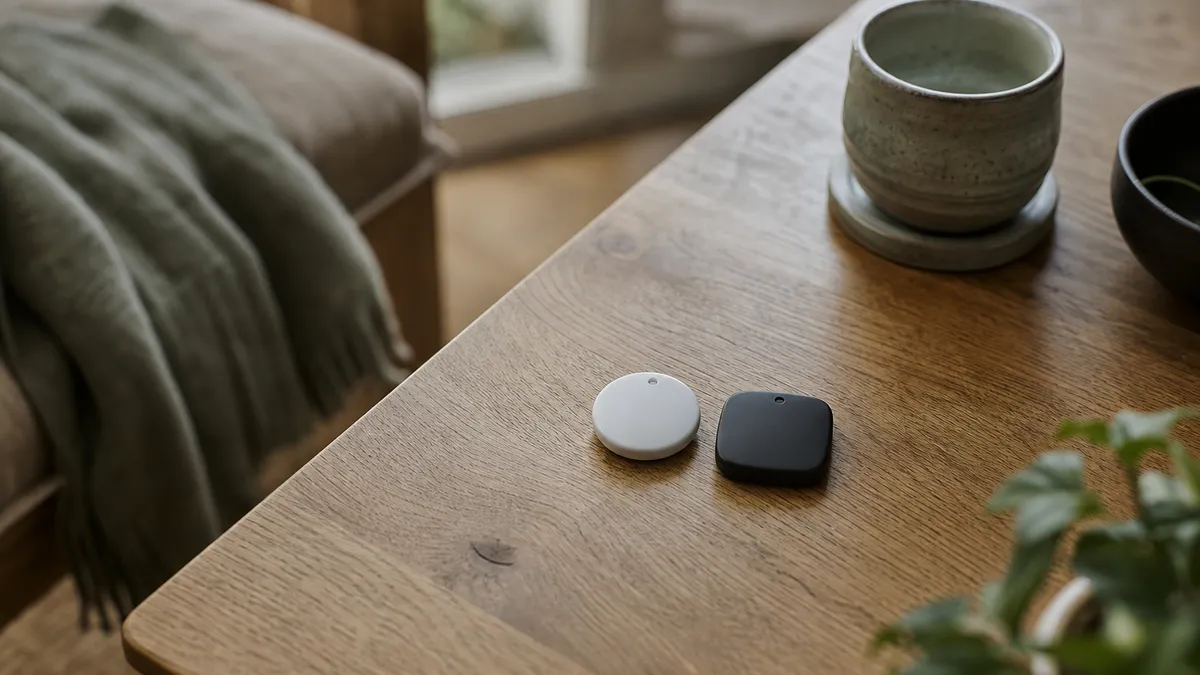
Put a key finder vs AirTag question to ten people and you will get ten answers about price. That is the least interesting difference. Both sit on the same Apple Find My network, both use the same map, both ring on demand and both support the same anti-stalking protections. The genuine technical gap is a single feature, Ultra Wideband, marketed as Precision Finding, and whether you need it depends entirely on how you lose things.
What Precision Finding actually is
Ultra Wideband is a second radio, separate from Bluetooth, that measures distance by timing a pulse rather than guessing from signal strength. Because the timing is precise, a phone with a UWB chip can work out not just how far away the tag is but roughly which direction.
In practice that means an arrow on the screen and a distance in feet, counting down as you walk. It is genuinely impressive and it is the only thing Apple's tag does that a good Bluetooth tag cannot.
Two conditions have to be met for it to work: the tag needs a UWB chip, and so does the phone. Older iPhones have no UWB radio at all, so Precision Finding is unavailable to their owners regardless of which tag they buy.
Where the arrow genuinely helps
Be fair to it, there are real scenarios where UWB is the better tool.
- Large, undifferentiated spaces. A car park, a warehouse, a field at a festival. Sound carries badly outdoors and the map pin is only accurate to a few metres, so the arrow does real work.
- Very cluttered rooms. A garage full of boxes, where "it is somewhere in this room" leaves you twenty minutes of searching.
- Noisy environments. If you cannot hear the tag, the speaker is no help and the arrow is all you have.
- When the item is silent. A tag whose battery has just died still answers a Bluetooth ping in some cases; a tag that cannot ring is useless without direction.
Where the speaker wins
And here is the other side, which the specification comparison never shows.
The overwhelming majority of losses are indoors, at home, within about ten metres of where you are standing. In that situation the arrow is largely theatre. You have already opened the app, and a loud noise coming from behind the sofa cushion resolves the search faster than walking a phone around the room watching a number tick down.
Sound also passes through things. A tag inside a zipped bag inside a wardrobe is audible; it is not always visible to a directional radio, which prefers line of sight and gets confused by walls, metal and human bodies.
And a speaker works on every iPhone. There is no minimum model requirement to hear a noise.
Key finder vs AirTag: the comparison that matters
| Find My tag without UWB | Apple AirTag | |
|---|---|---|
| Find My network coverage | identical | identical |
| Shows on the map in Find My | yes | yes |
| Rings on demand | yes | yes |
| Left-behind alerts | yes | yes |
| Precision Finding arrow | no | yes, on supported iPhones |
| Replaceable coin cell | yes | yes |
| Water resistance | IP67 | IP67 |
| Built-in hole for a key ring | usually | no, needs a separate holder |
| Cost per tag | markedly lower | premium |
Note the row most people miss. AirTag has no hole in it, so attaching one to keys means buying a loop or a case as well, which adds cost and thickness to a product already sold at a premium.
So who should buy which?
Buy the one with UWB if you routinely lose things in big open spaces, you have a recent iPhone, and the extra cost per tag is not a factor.
Buy the Bluetooth tag if you lose things around the house, you need several tags rather than one, your keys need a ring rather than an accessory, or you simply want the network coverage without paying for a radio you will use twice a year.
For a broader checklist of what else to compare, read our guide to picking a key finder in the UK.
How Air Tracker helps
Air Tracker takes the Bluetooth side of that trade, and does so deliberately. There is no Ultra Wideband and therefore no Precision Finding arrow, that is the honest limitation, stated plainly, and if the arrow is what you want then buy the tag that has it.
What you get instead is everything else on the list. It joins the same Apple Find My network through the same app on your iPhone, so the map, the sightings from passing Apple devices and the end-to-end encryption are identical. It rings at 80–100 dB over a Bluetooth range of up to about 60 metres, which is the feature that resolves the indoor searches you actually have. Left-behind alerts work. Lost Mode works. Item sharing on iOS 17 and later works. Apple's unwanted-tracking alerts are supported, and the chip is MFi certified.
It also solves the attachment problem in the box: there is a moulded hole in the 36.3 mm by 9 mm body and key rings are supplied, so nothing else needs buying. The CR2032 runs up to two years and swaps in seconds, and IP67 covers the rain. As with every Find My tag, Android is out of scope; you need Apple hardware on iOS 14.5 upwards.
Two trackers per box, free UK delivery, under £15. compare it against what you are carrying now.
Written by Item Finder Updated
More from the journal
 Lost and found4 min read
Lost keys in a shop: Black Friday queues and tills
Lost keys in a shop happen at the till, in the fitting room and in the queue. Here is where they go, who to ask, and how a ringing tag ends the search.
 Guide5 min read
Item finder for winter coats: gloves, hats and scarves
An item finder for winter coats can ring a jacket you left on a fence post. Here is what a Find My tag does for outerwear, and where it stops.
 Guide4 min read
Purse tracker for Christmas shopping: busy tills and bags
A purse tracker helps when a busy till, a heavy bag or a toddler makes you set things down in December. What fits, what works and what does not.